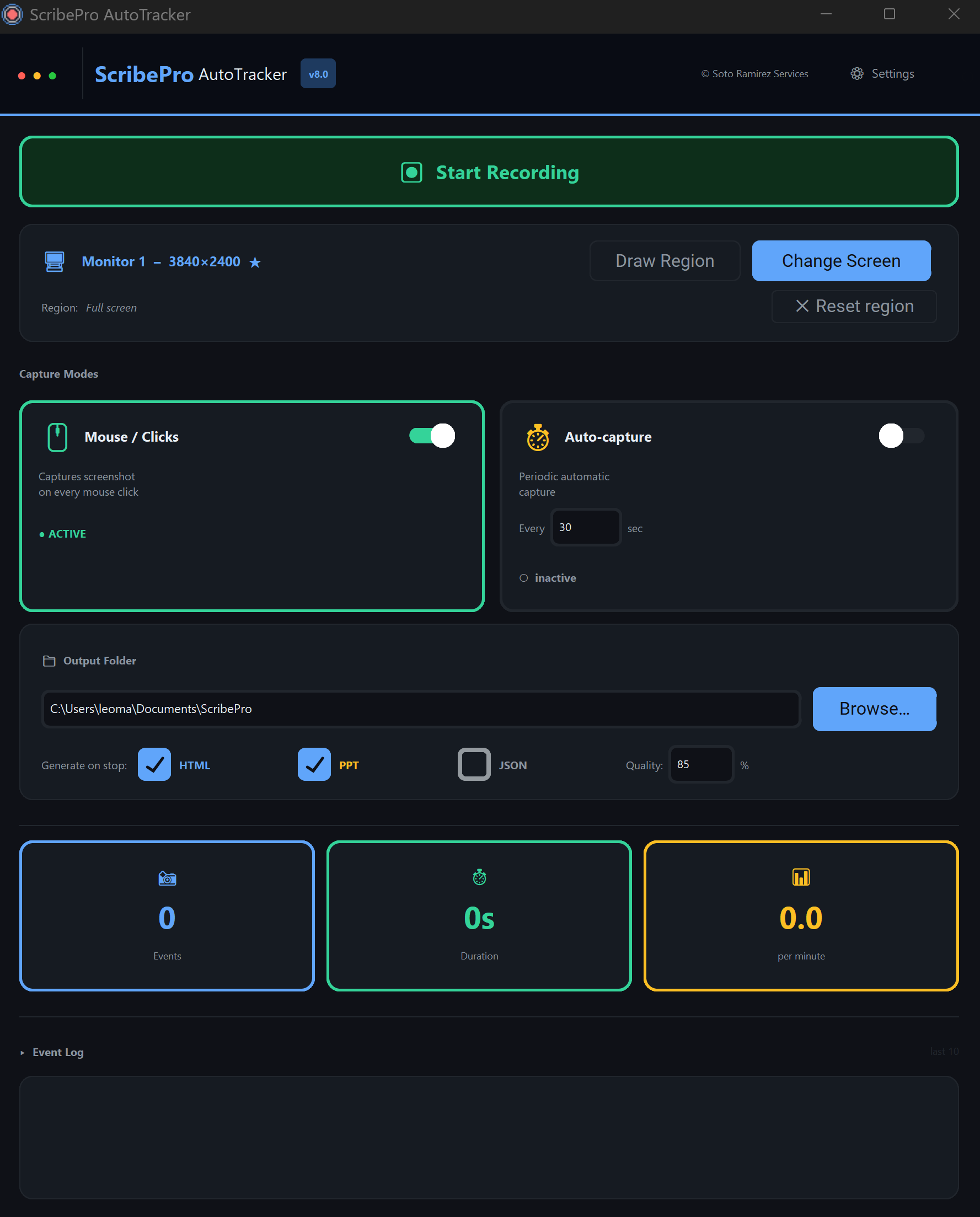
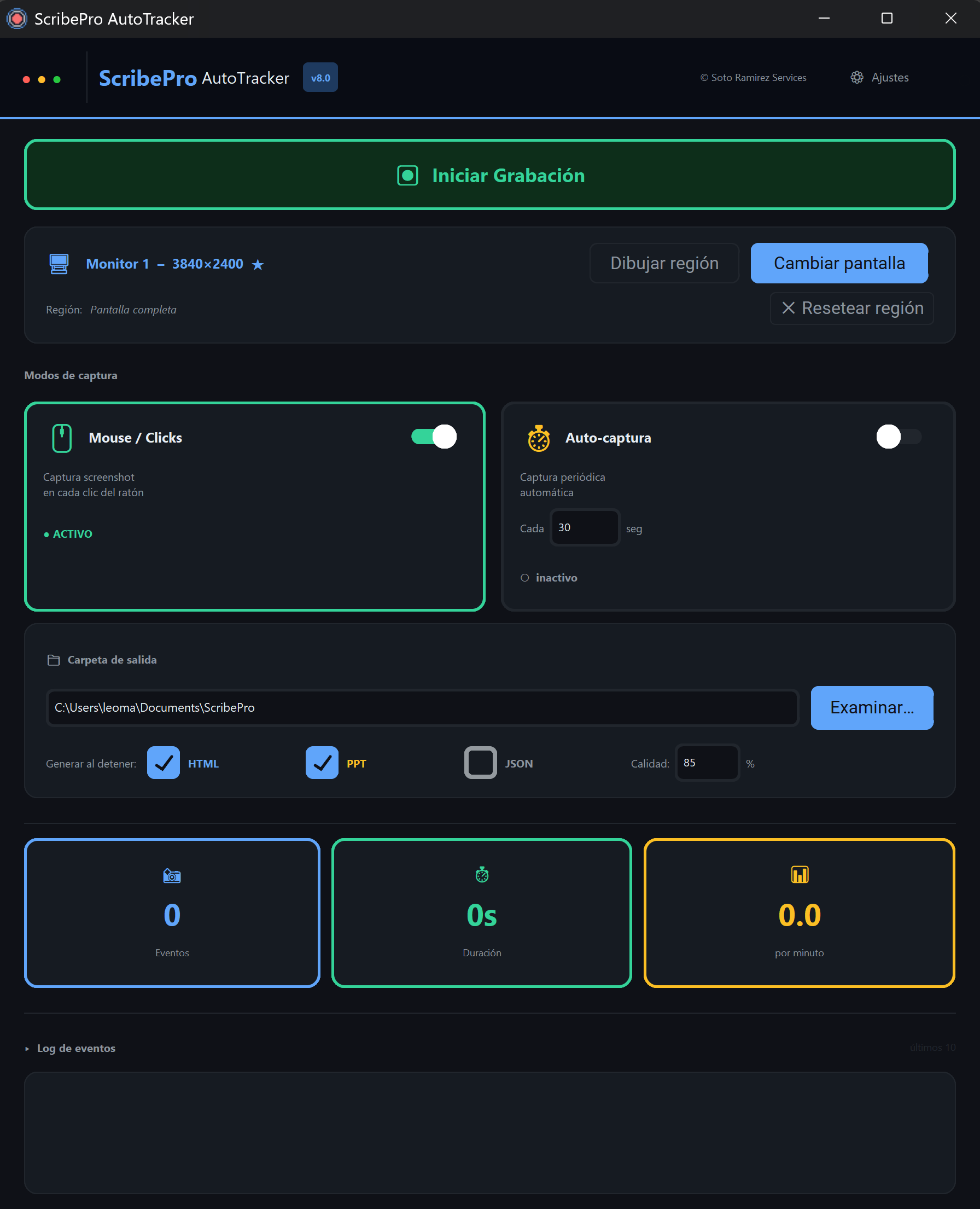
Record. Capture. Report. Automatically.

ScribePro AutoTracker records every click and screenshot so you never miss a detail. Generate polished reports in one click.

Currently available for Windows. Mac & iOS coming soon.

ScribePro AutoTracker v8.0
Recording Active
00:12:34
Click captured10:23:45
Screenshot saved10:23:47
Click captured10:23:52
Screenshot Preview

How It Works

Three simple steps to professional documentation

1

Press Record

ScribePro starts listening for mouse clicks

2

Work Normally

Every click auto-captures a screenshot with timestamp

3

Export Your Report

Generate HTML, PowerPoint, or JSON in seconds

Powerful Features

Everything you need to document your workflow automatically

Mouse Click Tracking

Automatically detects and logs every mouse click with precise coordinates

Auto Screenshot Capture

Instantly captures screenshots at each click point for visual documentation

HTML Reports

Generate beautiful, interactive HTML reports ready to share

PowerPoint Export

Create professional presentations from your recorded sessions

Timed Auto-Capture Mode

Set intervals for automatic screenshots without manual clicks

Multi-Monitor Support

Seamlessly track activity across all your connected displays

Built For You

Trusted by professionals who need reliable documentation

QA Testers

Document bugs with visual evidence automatically. No more manual screenshots or lengthy bug reports.

Trainers & Educators

Create step-by-step guides without manual screenshots. Perfect for tutorials and training materials.

Remote Workers

Prove your work with timestamped activity logs. Build trust with transparent productivity records.

Simple Pricing

One-time payment. Yours forever.

Best Value
$29one-time

ScribePro AutoTracker v8.0 Premium

Mouse Click Tracking
Auto Screenshot Capture
HTML Report Generation
PowerPoint Export
JSON Data Export
Timed Auto-Capture Mode
Multi-Monitor Support
Lifetime Updates
Buy Now — $29

Instant download. Windows 10/11. No subscription.